Warning to Software Companies: Audit Your Software

In one software audit a few months ago I worked with a small business here in Australia that hired software developers from a developing country. Within the first three hours of my analysis of the codebase I noticed I lacked the majority of the code necessary to execute the application. Not only that, I uncovered that the software developers hosted a significant part of the code on the internet, visible and accessible to the public. This decision is extremely poor practice and whether malicious intent, incompetence, an honest mistake or just laziness, it breached the trust of the owner of the company.
This situation left my client both happy and upset. Happy that they found a software auditor like myself that discovered and informed them of a serious issue with the code. Upset that the software developer overseas that they hired with a Freelance Platform failed to provide all the source code, as promised in the original agreement.
In the end it all worked out, I worked with the client to discuss the situation with the software developer and retrieve all the source code necessary to execute and maintain the application. I am still unaware if the developer failed to hand over all the code with malice intent or they made an honest mistake. I perform software audits, not criminal investigations. However, it serves as an excellent warning to anyone that utilises platforms such as …

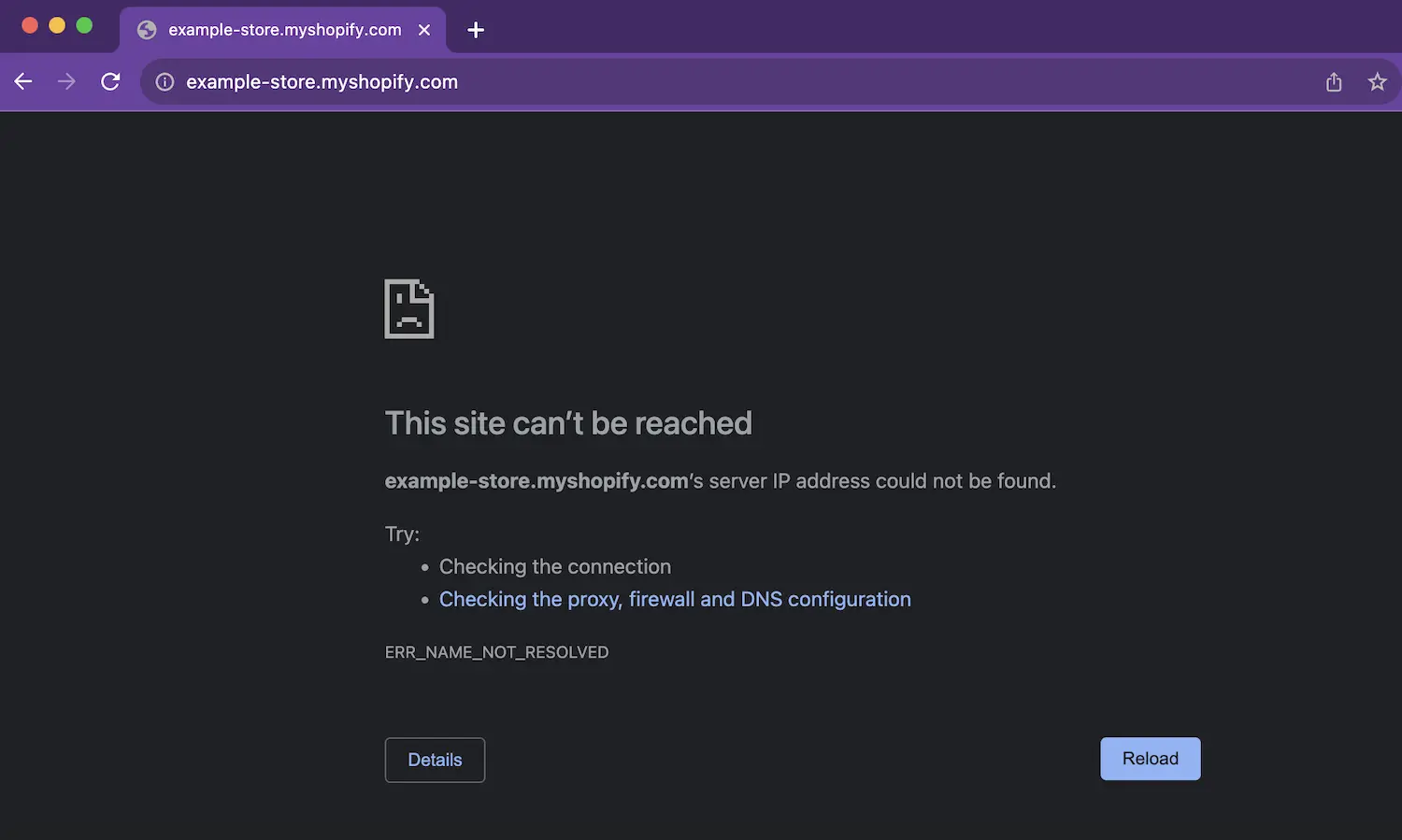 A common error message in Google Chrome when the internet drops out.


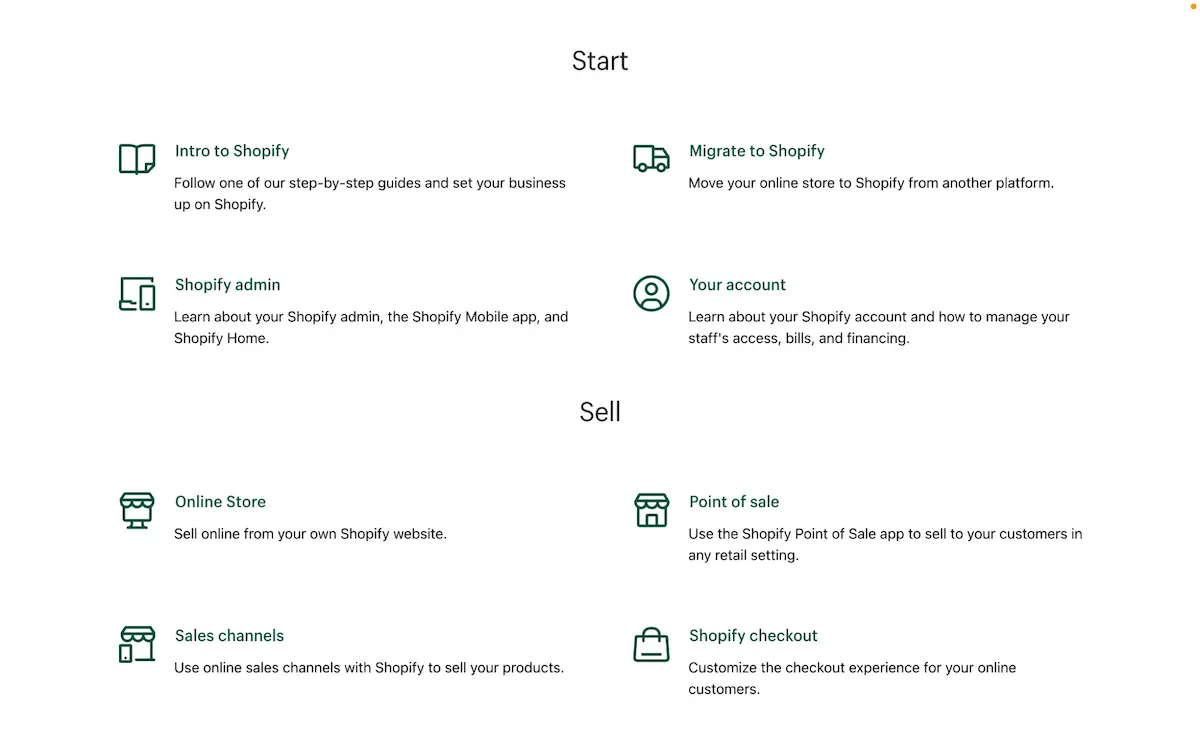 Shopify Help Center quick options for support.
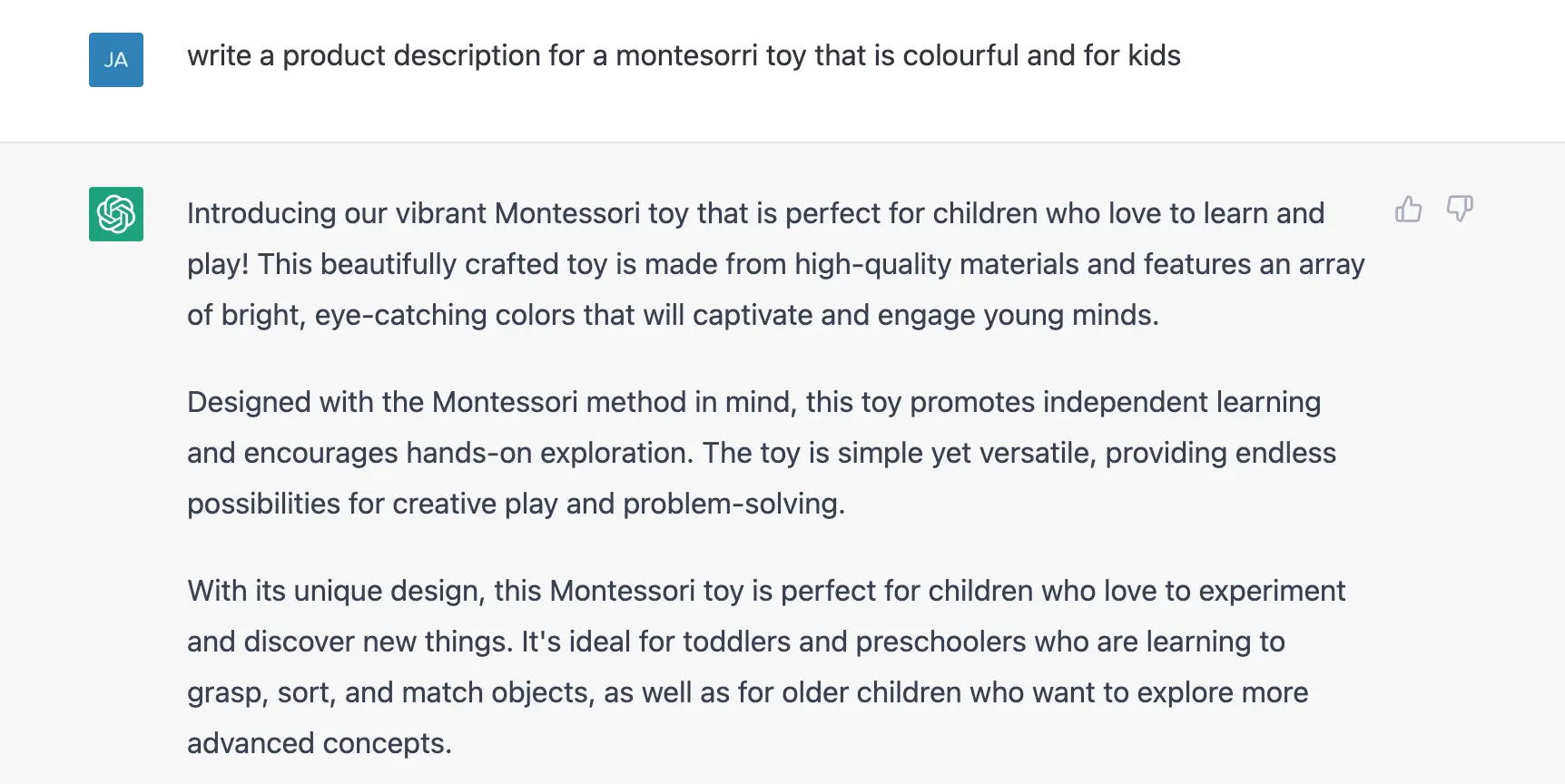 Asking ChatGPT to write me a product description for a Montessori toy.