
Improving User Experience on Product Page - Be Careful Messing with History!
This will be a very quick and brief post about messing with window.history.pushState compared to window.history.replaceState. Both functions have their use case and I want to share a quick reason why you should use one compared to the other and why it matters.
Quick Explanation
As you navigate a website, URL and history management is handled for you but sometimes you may want to update the history stack manually.
As stated directly from its source on mdn web docs, window.history.pushState does as follows:
The pushState() method of the History interface adds an entry to the browser’s session history stack.
A common use case for wanting to update the history stack manually is to update the URL bar without refreshing the page.
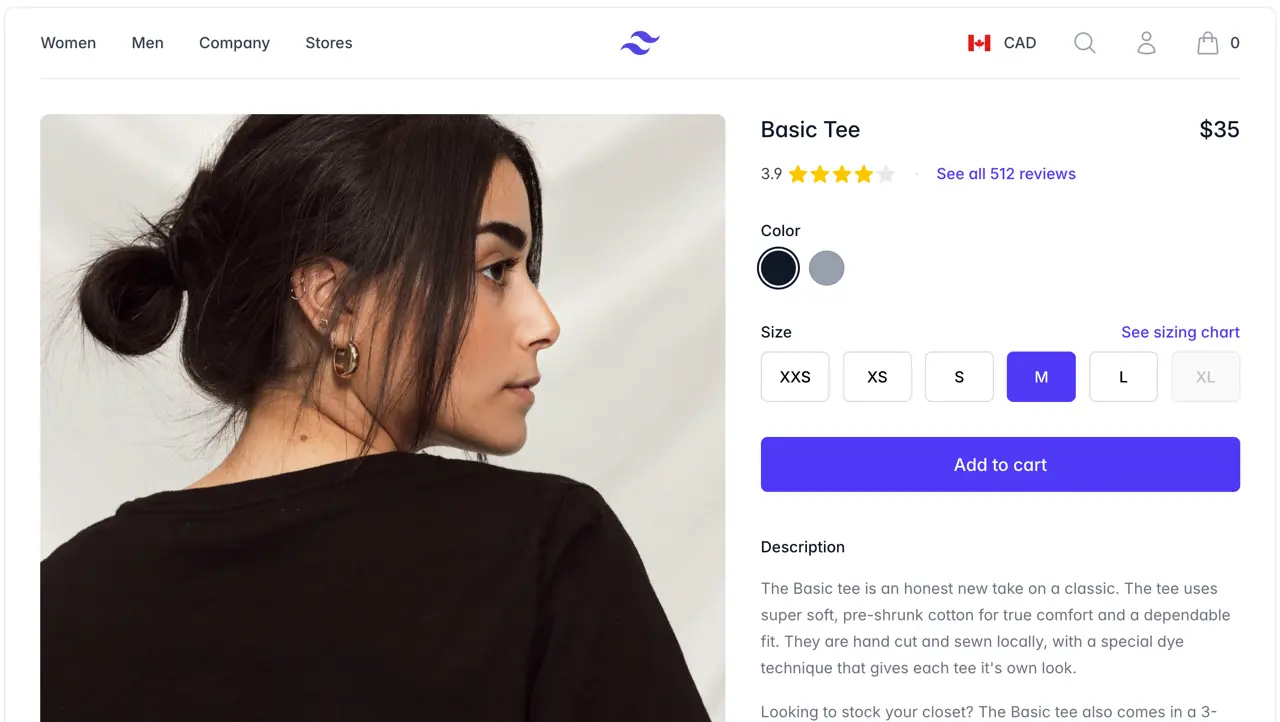
For example, if you are on an online shopfront (ecommerce store) and are viewing products, each product may have a variant.
Let’s imagine here at Sanico Software we are selling leather hats (we aren’t but maybe we should?), the general product URL may be:
Base Product URLhttps://www.sanico.com.au/products/leather-hat
However, we actually offer hats in brown, black and red (this is sounding better and better). Therefore, the individual links of each variant may be:
Brownhttps://www.sanico.com.au/products/leather-hat?variant=1
Blackhttps://www.sanico.com.au/products/leather-hat?variant=2
Red …