
Bryan Susanto

Bryan Susanto

Designer and Software Engineer

Bachelor of Design, Computing and Software Systems from University of Melbourne (top 100 international university)

Hey! I’m a bachelor’s graduate from the University of Melbourne who studied computer science, UI/UX design, and mathematics. Since high school, I’ve enjoyed front-end web development and, more generally, the technical and human side of computing. To me, there’s just a thing about being able to create something that anyone with internet and a web browser can access anywhere. I also find joy in seeing the delight on people’s faces when they use good software and when we can help solve their problems and achieve what they need to. Over the course of my studies, I’ve come to believe that good software is not just clean code and good architecture, but also good design thinking, hence I studied both and continue to strive to pull from both disciplines in my craft. Other than web development, I’m interested in tutoring/teaching and computer graphics, and I play video games in my free time, primarily Minecraft!

Recent  Posts  on  Kilobites

See Bryan’s latest posts on Kilobites, a Sanico Software blog.

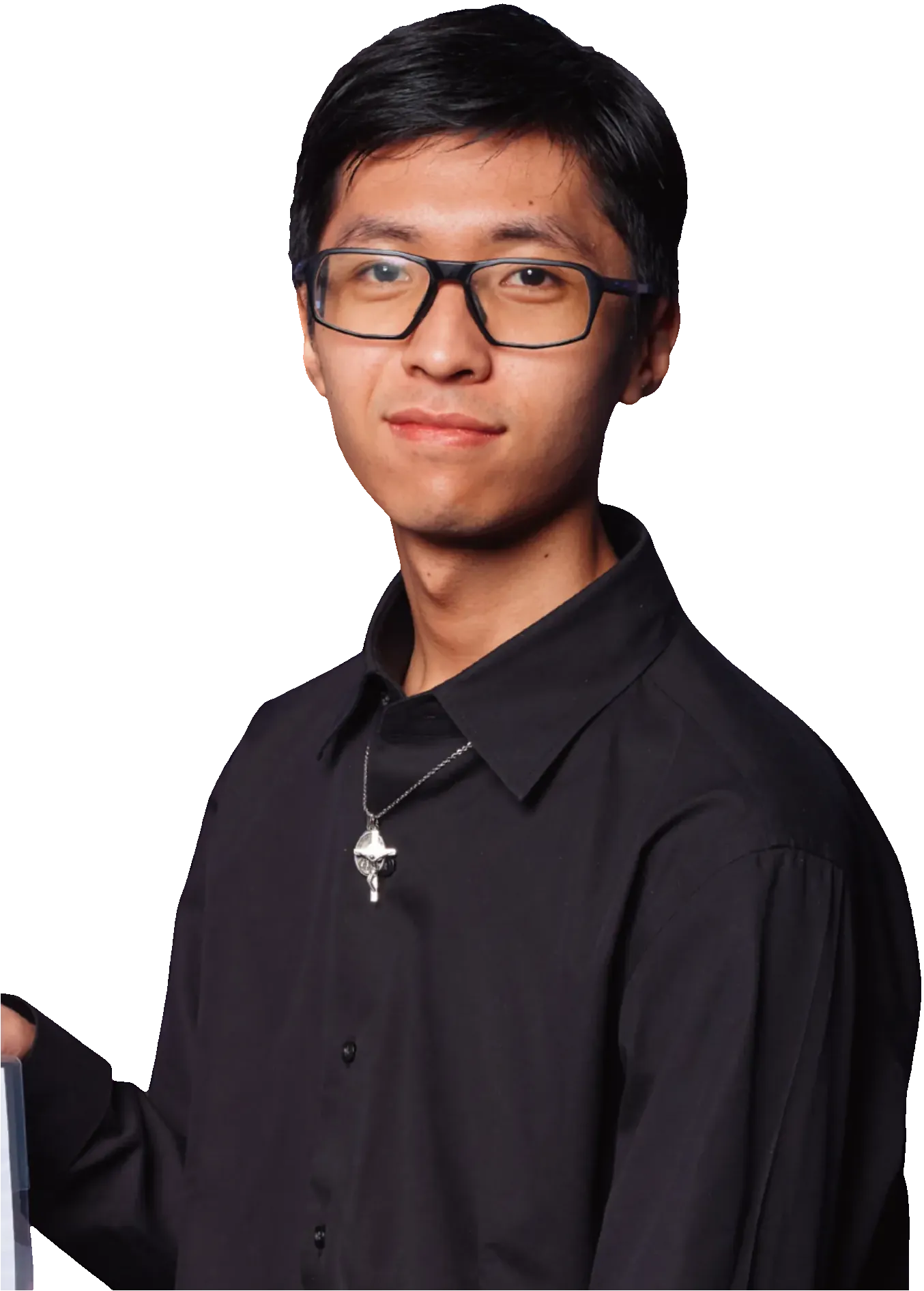
Profile photo of Bryan Susanto

Cross-browser user permissions in Phoenix LiveView

You know those times when you’re on this rollercoaster of emotions when debugging something, thinking that you’ve solved it but then another problem comes up? Yeah, this was one of those times.

Context was, I was working on a Phoenix LiveView app called BESTguestbookEVER for one of our clients. It’s an upcoming custom web app for a new startup based in Adelaide, where wedding guests record a video message instead of writing in a traditional guestbook. If you’ve read my previous blog post you would know the story, but a summarised version is that I was working on the video recording feature which required obtaining video and audio permissions. Unfortunately, it wasn’t as simple as just asking for the permissions and the user granting it through browser prompts. There were some additional things I had to do to get it working.

The big part of it was getting HTTPS working locally, since browsers would not let you grant video and audio permissions to websites accessed through insecure connections. If you want more details on that, check out my previous blog post “My journey in getting HTTPS working locally for a Phoenix LiveView app”. But today I’ll be covering the other smaller, but arguably equally important part of getting this to work.

I thought it worked everywhere…

See after getting HTTPS working, I thought it was finally …
Keep Reading...

Profile photo of Bryan Susanto

Configuring local HTTPS for web app development

Recently, I was working on a Phoenix LiveView app called BESTguestbookEVER for one of our clients, which is an app where wedding guests record a video message instead of writing in a traditional guestbook. Thus, one of the key features of this web app is the video recording functionality. While implementing the recording functionality itself using web APIs was a relatively time-consuming task, what turned out to unexpectedly be a bigger headache was dealing with browser permissions, especially across different browsers. I thought it’s as simple as just asking the users for permission and then the user granting it through the browser prompts, but uh… no. As they say, the devil is in the details.

Finding out I needed HTTPS locally

The details for everything I needed to do to get video and audio permissions working is a story for another time, but one of the things I had to do was to set up HTTPS on the local development environment. After doing a quick search and reading through forum posts, I found out that web browsers generally prohibit giving video and audio permissions to websites accessed through insecure connections. This makes sense for security reasons, but it’s very annoying when you’re developing locally, since you typically don’t have a TLS certificate and thus no HTTPS connection (but HTTP instead).

What’s even more annoying was …

Keep Reading...

Profile photo of Bryan Susanto

Creating a Black Friday Banner in Shopify

Creating a Black Friday Banner in Shopify cover image

Today I would like to share with you the process I went through to design and implement the Black Friday banner for Sticky Vinyl in 2025, a well-known Australian store that sells vinyl for arts and crafts as well as tools for it. This is part of our monthly maintenance for their Shopify e-commerce website as part of Sanico’s Shopify services. The purpose of this banner was to let customers know that there is a sale going on and how much longer the sale was going to last for. This encourages the customers to purchase products while the sale lasts.

The requirements

The following were the requirements for the banner given to me by Sav, one of the lead devs of Sanico Software:

  • It should be located at the very top of the page, above the navigation bar.
  • It should only show when the sale is commencing, namely from Friday to Sunday inclusive in the Adelaide timezone.
  • It should count down the number of days, hours, and minutes left before the sale ends.
  • It should have a unique design similar to the rest of the website and a reference image I was given.

The following was the reference image Sav gave, with the red crosses indicating that I shouldn’t include those elements from the reference image.

Black Friday banner with a black background, purple “%” symbols, and a countdown with the number of days, hours, and minutes left before the sale ends. There is a close button at the top left and a button to view the sale, both crossed out in red.

Getting started: Hardest part first, one step at a time

Typically with any problem or task I always try to figure out the hardest part first, or at least get a rough picture of …

Keep Reading...

View all posts on Kilobites

About  Sanico

We are a team of computer programmers based in Australia and founded by Dom and Sav Tripodi. We build custom business software apps, websites, and ecommerce stores for small to mid-sized businesses in Australia and around the globe.

More about us
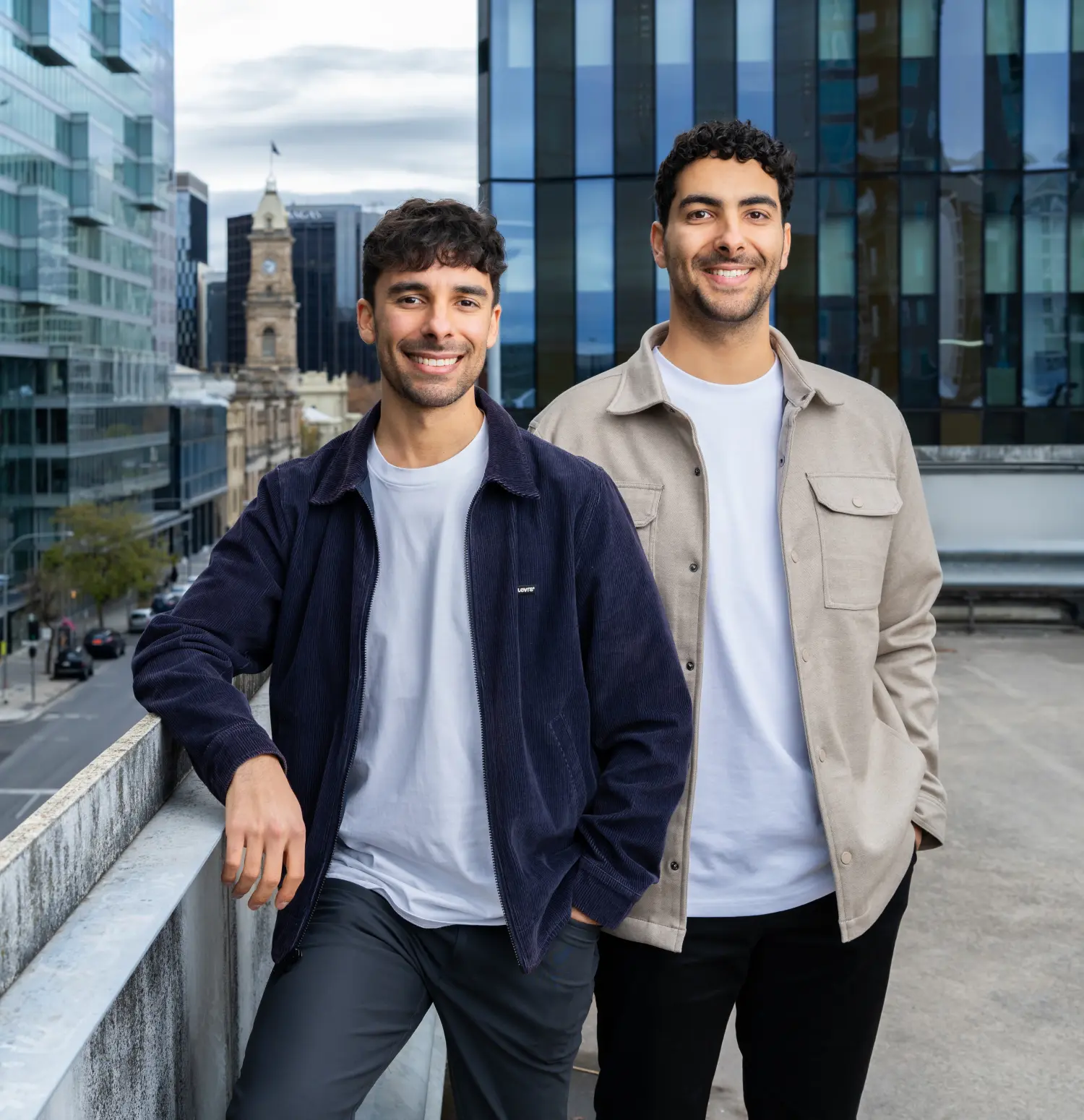
Sav and Dom on a skyscraper with the city in the background

Book  an  Appointment

For enquiries about our software services, you can use the form below. For all our priority clients please use your dedicated email address.

Due to high demand for our services, we respond within 24 to 48 hours. A software programmer from our team will reach out to set up an appointment. We offer a 1-hour free consult to all new clients.